Duplicates
Keep only the best shot.
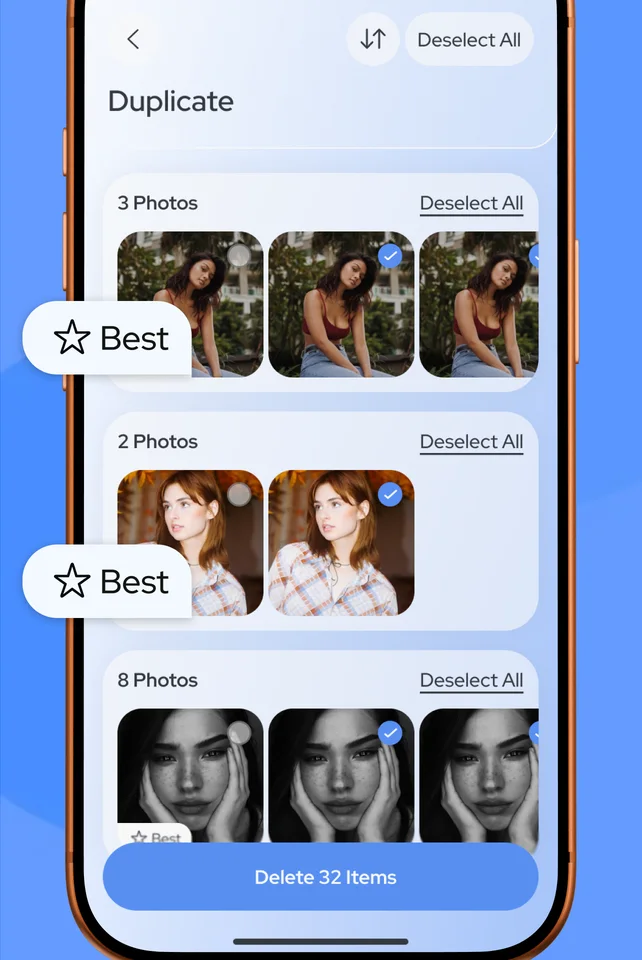
Datary groups duplicate and similar photos and marks the best one in each set. Keep it, clear the rest.
Datary finds duplicate photos, the largest videos, empty contacts and old events, so you can clear them out in a few taps.
Download on theApp Store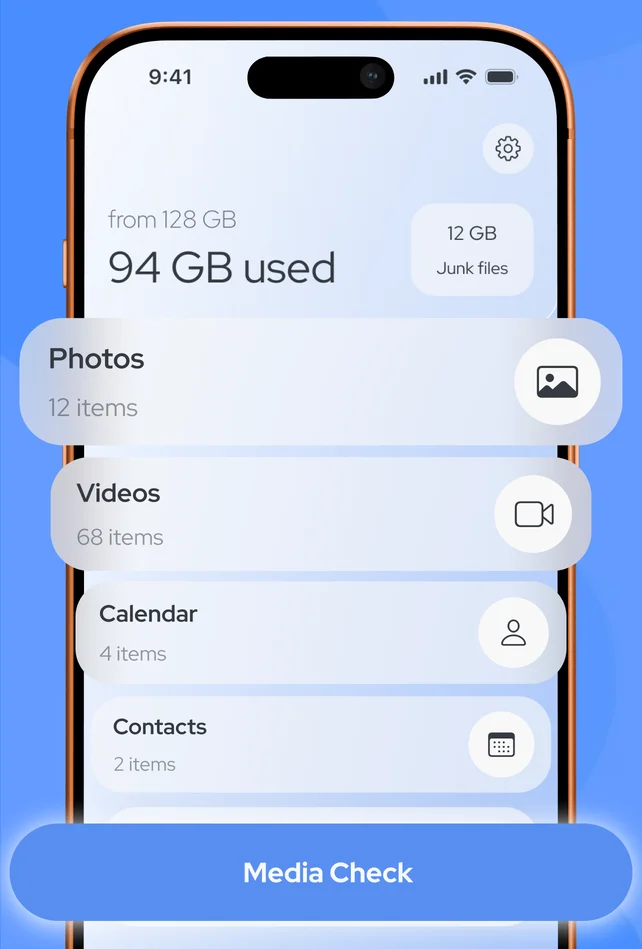
What Datary cleans
Each tool shows you exactly what it found. Nothing is deleted until you review it and confirm.
Datary groups duplicate and similar photos and marks the best one in each set. Keep it, clear the rest.
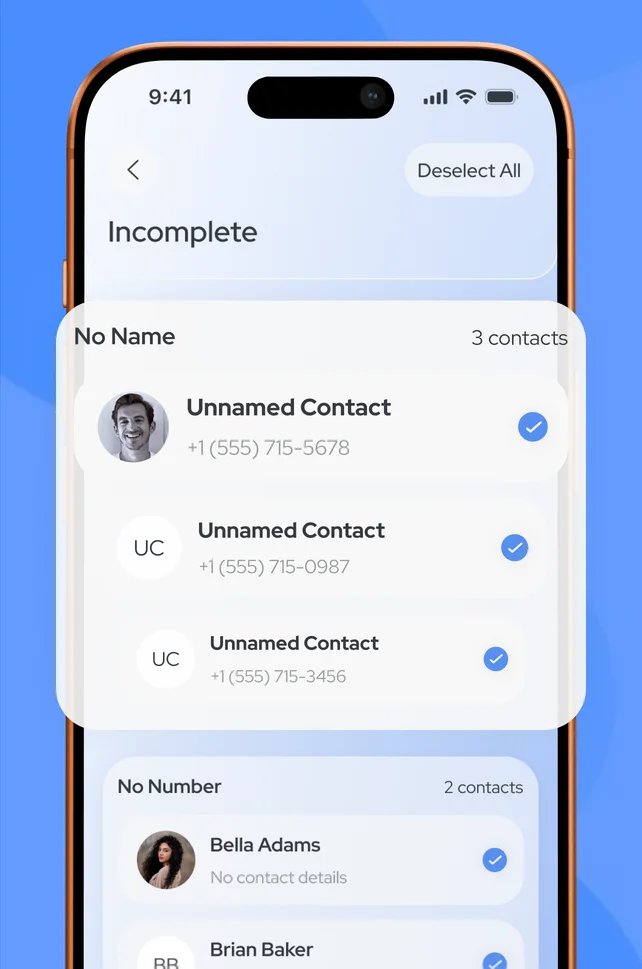
Find contacts with no name or no number, and merge duplicates into one.
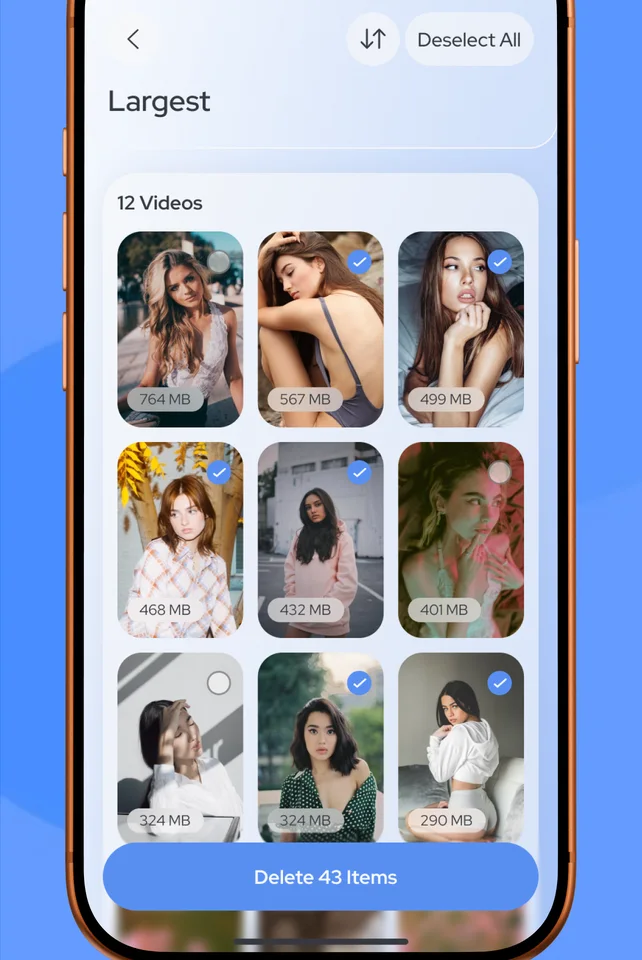
Your largest videos, sorted by size, so a few taps free up the most space.
Remove outdated and duplicate events.
One scan shows what is taking up space across photos, videos, contacts and calendar.
Preview everything before it goes. Deleted photos stay in Recently Deleted for 30 days.
How it works
No setup, no account. Scanning runs on your iPhone.
Allow access to Photos, Contacts and Calendar, and run Media Check.
Open a category, check the suggestions and deselect anything you want to keep.
Delete or merge the selected items in one tap and see the space you got back.
FAQ
No. Photos, videos, contacts and calendar events are analyzed on your iPhone and are never uploaded to our servers.
Yes. Photos and videos you delete go to the Recently Deleted album in the Photos app, where iOS keeps them for up to 30 days.
Datary is free to download. Its features require a subscription, and you can start with a free trial. Prices are shown in the app before you subscribe.
Open Settings, tap your name, then Subscriptions, choose Datary Smart Cleaner and tap Cancel Subscription. Deleting the app does not cancel it. More help

Download Datary Smart Cleaner and start with a free trial.
Download on theApp Store